Articles · Communication
When Email Replies Take Longer Than Expected
How clearer email design can make communication easier to recognize, prioritize, and complete.

Shared Language editorial team
Published · Updated · 2 min read
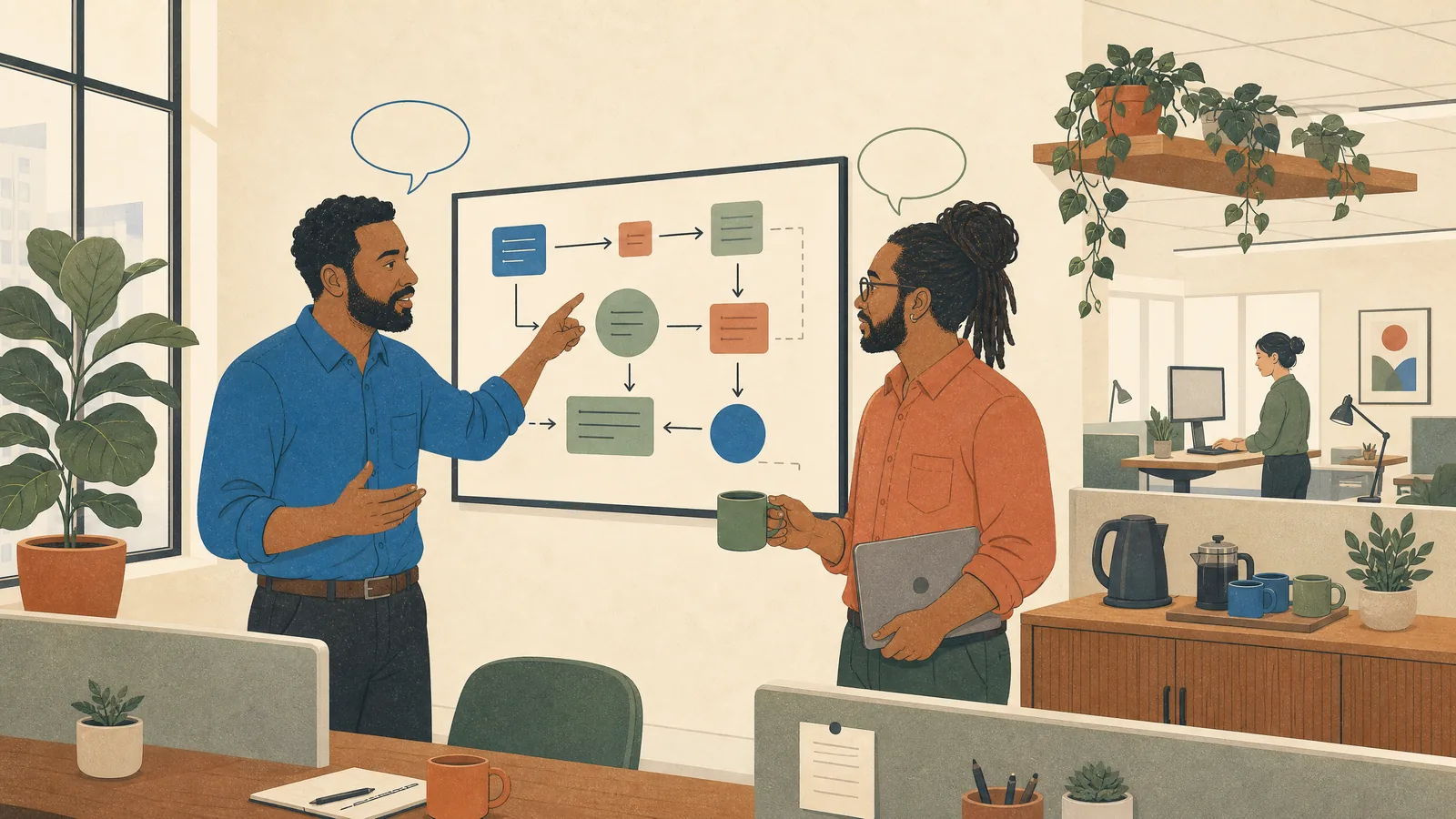
A delayed reply is not always avoidance
An employee may have seen a message while focused on another task, become unsure how to respond, or feel overwhelmed by several requests competing for attention. Some emails contain too many actions at once, making it difficult to know what comes first.
Make the action visible
Clearer email design can reduce pressure. Put the action in the subject line, state the deadline directly, separate information from requests, and identify which question matters most. Use an agreed urgent channel instead of marking everything urgent.
Make a reply possible before everything is resolved
A recipient may need information from someone else before giving a complete answer. Agree whether a brief acknowledgment would help: “I have this and will check the figures tomorrow.” The sender then knows what to expect without demanding an immediate solution. State whether acknowledgment is necessary; not every informational email needs another message in return.
Agree on escalation instead of guessing
If a deadline passes, follow up on the request itself: “We need the approval by noon to place the order. Is anything blocking it?” Avoid interpreting silence as a personal judgment. For time-sensitive work, use the team's agreed backup contact or urgent channel. Review repeated delays as a workflow question: the request may need a clearer owner, fewer separate questions, or a more realistic response window.
Try this next
Replace “Please review” with “Please confirm the first paragraph by Thursday at noon.”